1. Enter SpamExperts Dashboard via Client area.
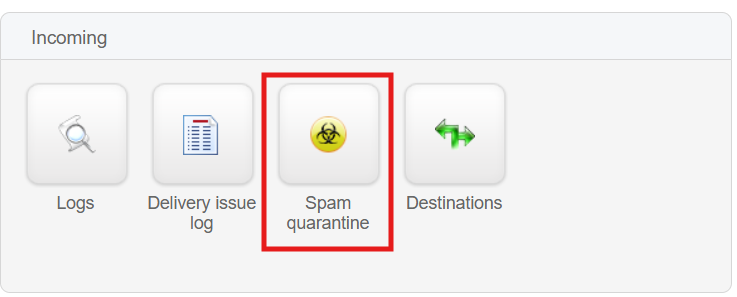
2. Under Incoming section, click on "Spam quarantine"
3. Users will be directed to a page listing all recent quarantined incoming emails.
4. Locate the false positive quarantined email and click on the dropdown menu next to the email on the left-hand side of the email transaction.
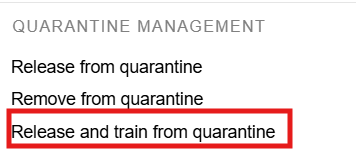
5. Choose "Release and train from quarantine" under QUARANTINE MANAGEMENT, and the system will promptly deliver it to the intended recipient.